


The Order Completion Workflow allows users to prepare and manage commercial invoice details for the completed shipment quantity of an order.
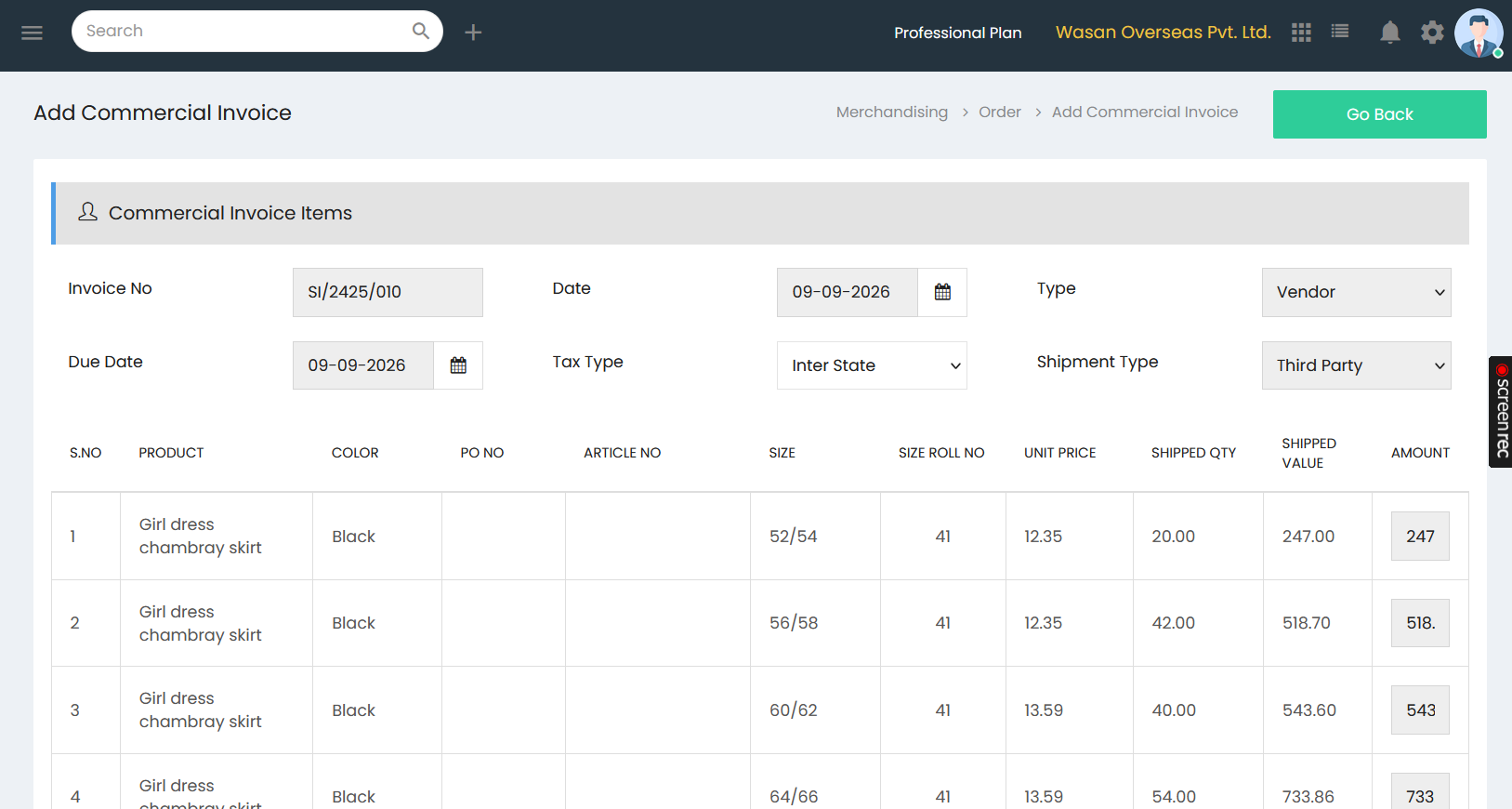
Commercial Invoice Items
The Commercial Invoice Items section contains the invoice information associated with the order:
- Invoice No – Displays the commercial invoice number.
- Date – Select the invoice date.
- Type – Select the invoice type.
- Due Date – Select the payment due date.
- Tax Type – Select the applicable tax type.
- Shipment Type – Select the shipment type.
Invoice Item Details
The invoice item table displays the products and shipment details included in the commercial invoice:
- S.No – Displays the serial number.
- Product – Displays the product included in the invoice.
- Color – Displays the product color.
- PO No – Displays the purchase order number.
- Article No – Displays the article number.
- Size – Displays the product size.
- Size Roll No – Displays the roll number associated with the size.
- Unit Price – Displays the price per unit.
- Shipped Qty – Displays the quantity shipped.
- Shipped Value – Displays the value of the shipped quantity.
- Amount – Displays the invoice amount for the item.
The commercial invoice consolidates the shipped products, quantities, unit prices, and corresponding values as part of the order completion process.