


The Accessories section allows users to manage accessories associated with an order and track their assigned users, dates, status, and remarks.
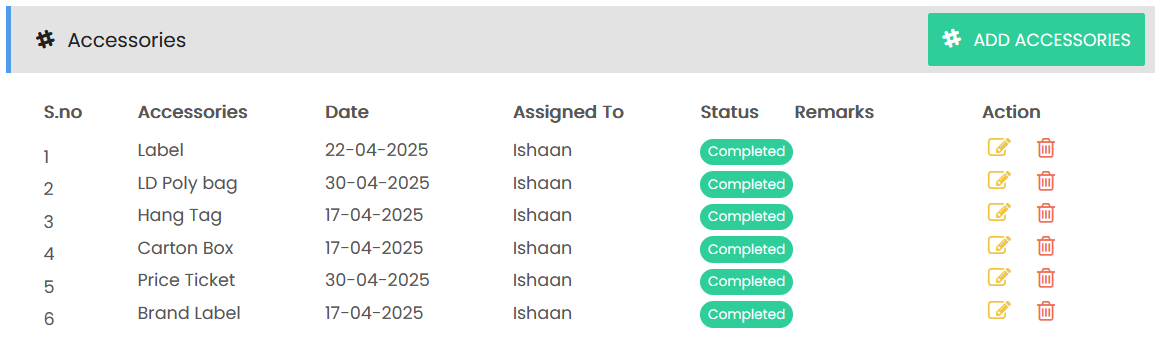
Accessories List
The accessories list displays the following information:
- S.No – Displays the accessory sequence number.
- Accessories – Displays the name of the accessory.
- Date – Displays the date associated with the accessory.
- Assigned To – Displays the user responsible for the accessory.
- Status – Displays the current status of the accessory, such as Completed.
- Remarks – Displays any remarks or additional information related to the accessory.
- Action – Provides options to edit or delete the accessory.
Adding Accessories
Select ADD ACCESSORIES to add a new accessory to the order. The accessories list can include items such as:
- Label
- LD Poly bag
- Hang Tag
- Carton Box
- Price Ticket
- Brand Label
Each accessory can be assigned to a user and tracked based on its date and status.