


Purpose
The Product / Service Categories module is used to create and maintain categories for products and services. Categories can also be created as sub-categories by associating them with an existing parent category.
Navigation
Master → Product / Service Categories
Product / Service Categories List
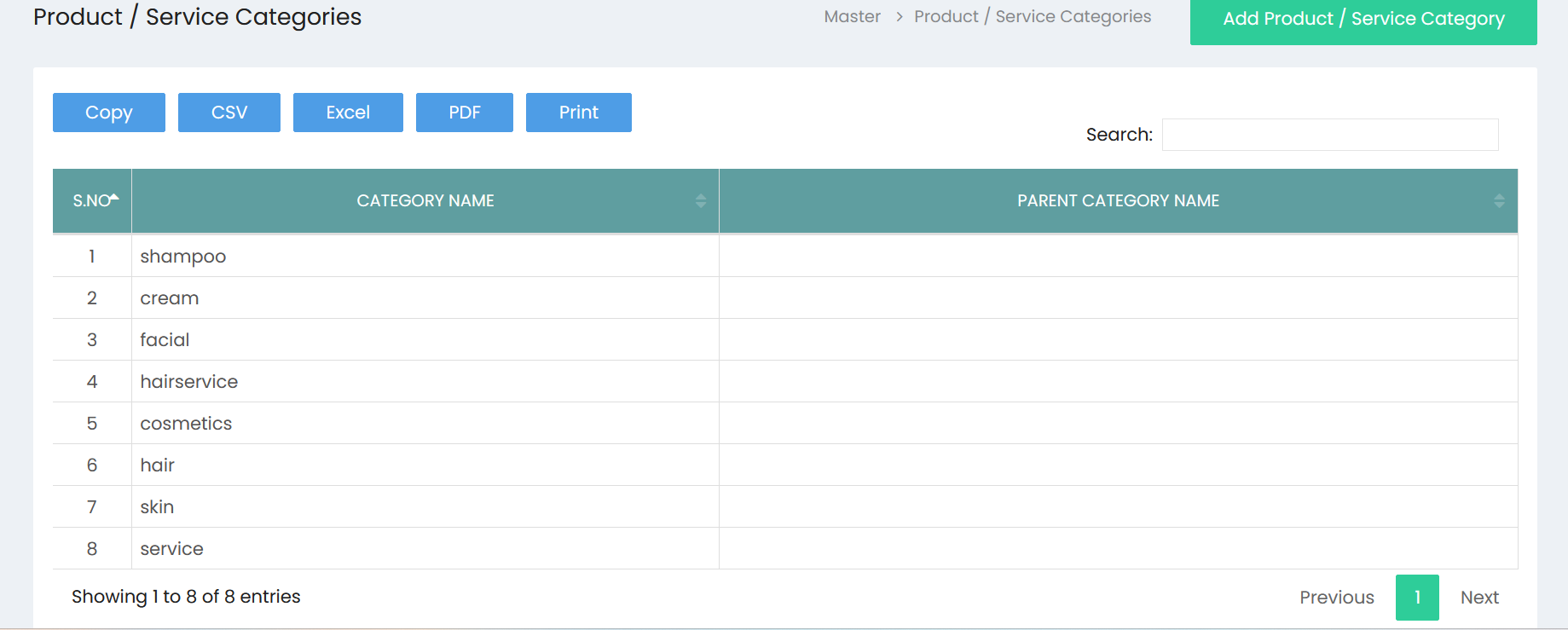
The Product / Service Categories page displays all available categories.
Available Actions
- Add Product / Service Category
- Search
- Copy
- CSV
- Excel
Category List
The category list displays the following columns.
| Column | Description |
|---|---|
| S.No | Serial number of the category. |
| Category Name | Name of the product or service category. |
| Parent Category Name | Displays the parent category, if available. |
Search Categories
A Search box is available in the upper-right corner of the page.
Use the search field to locate an existing category.
Export Options
The following export and reporting options are available:
- Copy
- CSV
- Excel
Add Product / Service Category
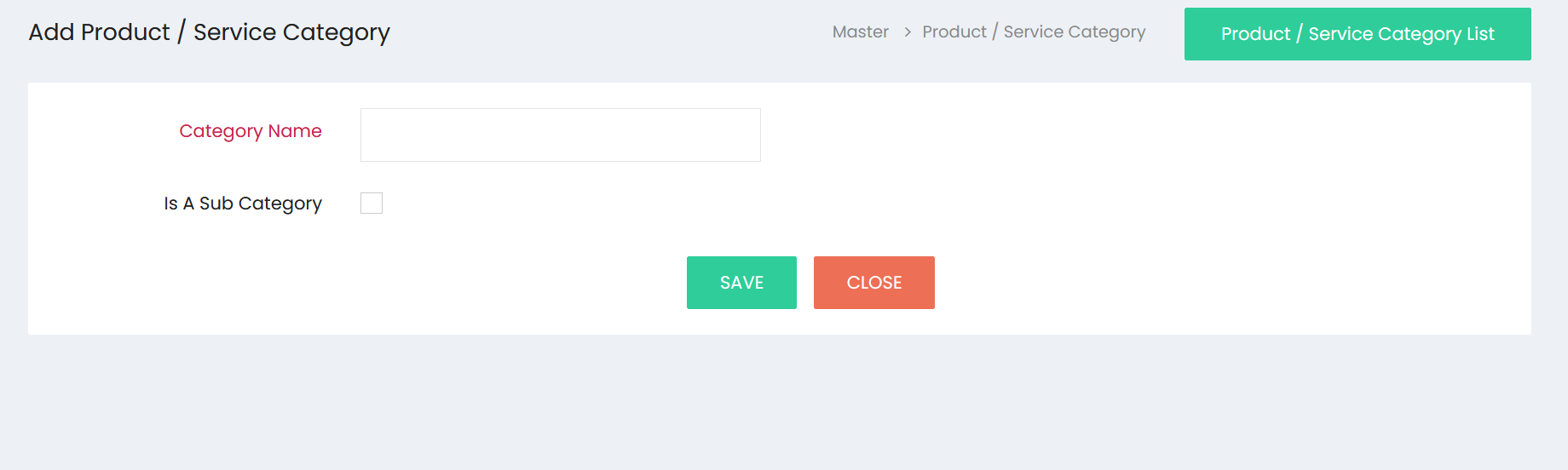
Click Add Product / Service Category to open the category creation screen.
Available Fields
| Field | Description |
|---|---|
| Category Name | Enter the category name. |
| Is A Sub Category | Select this checkbox if the category is a sub-category. |
Available Buttons
| Button | Description |
|---|---|
| SAVE | Saves the category. |
| CLOSE | Closes the screen without saving. |
| Product / Service Category List | Returns to the category list page. |
Workflow – Create a Product / Service Category
Step 1
Navigate to:
Master → Product / Service Categories
Step 2
Click Add Product / Service Category.
Step 3
Enter the Category Name.
Step 4 (Optional)
Select Is A Sub Category if the category should be created as a sub-category.
Step 5
Click SAVE to save the category.
Step 6
Click Product / Service Category List to return to the category list.
Workflow – View Categories
Step 1
Open Master → Product / Service Categories.
Step 2
Review the available categories in the list.
Step 3
Use the Search box to find a specific category.
Step 4
Use any of the available export options if required:
- Copy
- CSV
- Excel
Available Features
| Feature | Available |
|---|---|
| Category List | yes |
| Add Category | yes |
| Category Name | yes |
| Is A Sub Category | yes |
| Search | yes |
| Copy | yes |
| CSV Export | yes |
| Excel Export | yes |
| PDF Export | yes |
| yes |