


Purpose
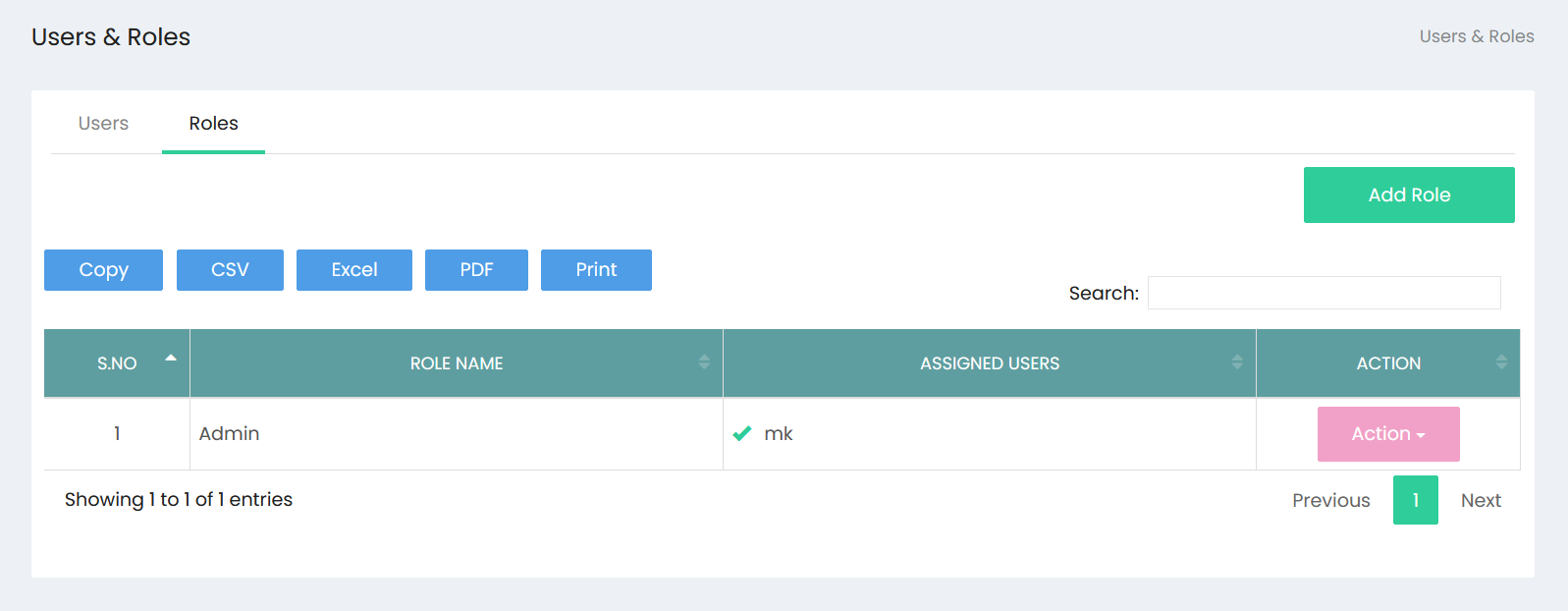
The User Roles & Permissions option provides access to the user management section of the application, where users and roles can be managed.
Navigation
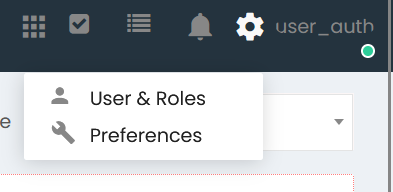
- Click the Settings (??) icon in the application header.
- Select User & Roles from the menu.
Available Options
The Settings menu displays the following options:
| Option | Description |
|---|---|
| User & Roles | Opens the User & Roles management page. |
| Preferences | Opens the Preferences page. |
User Roles & Permissions Workflow
Step 1
Click the Settings (??) icon located in the top-right corner of the application.
Step 2
From the drop-down menu, select User & Roles.
Step 3
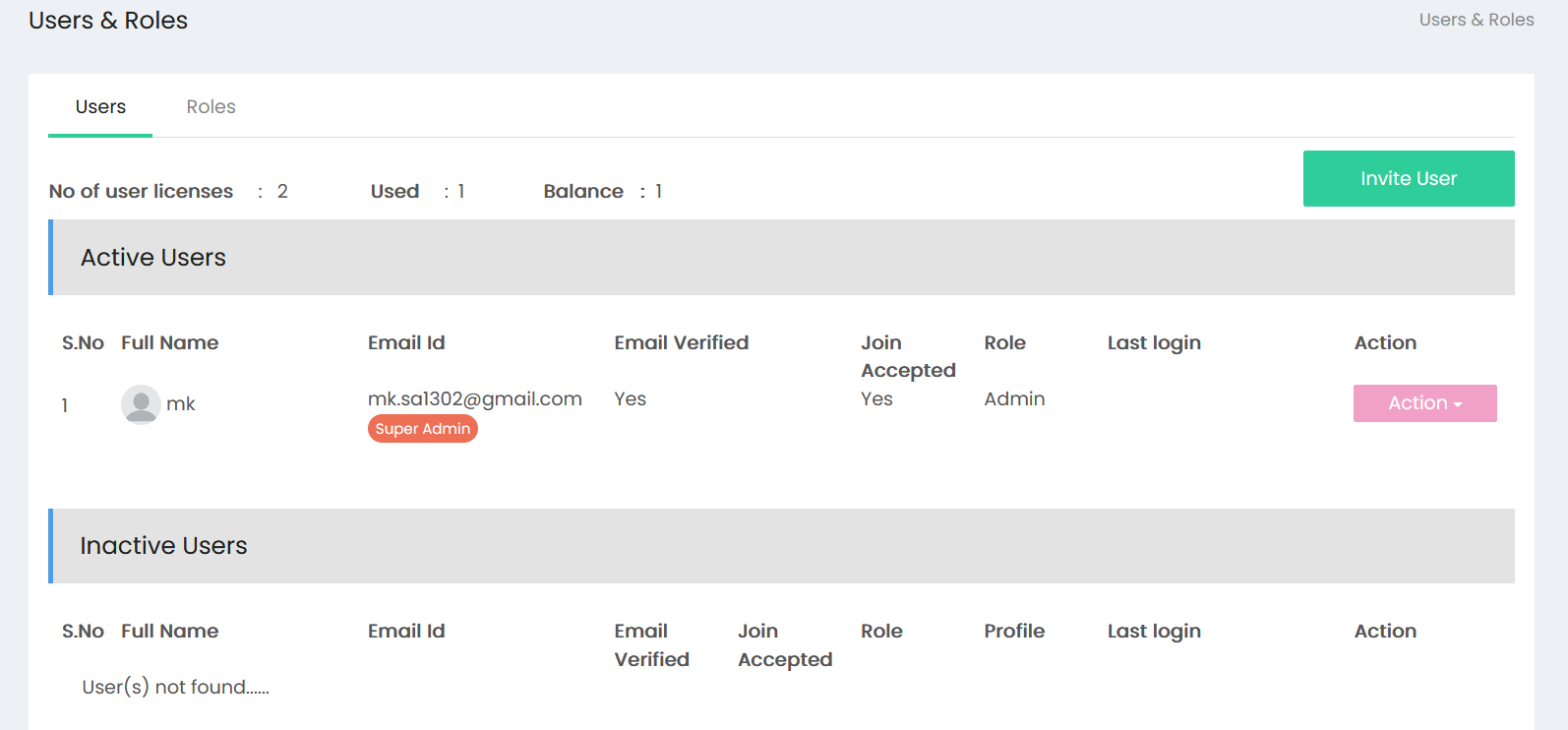
The User & Roles page opens.
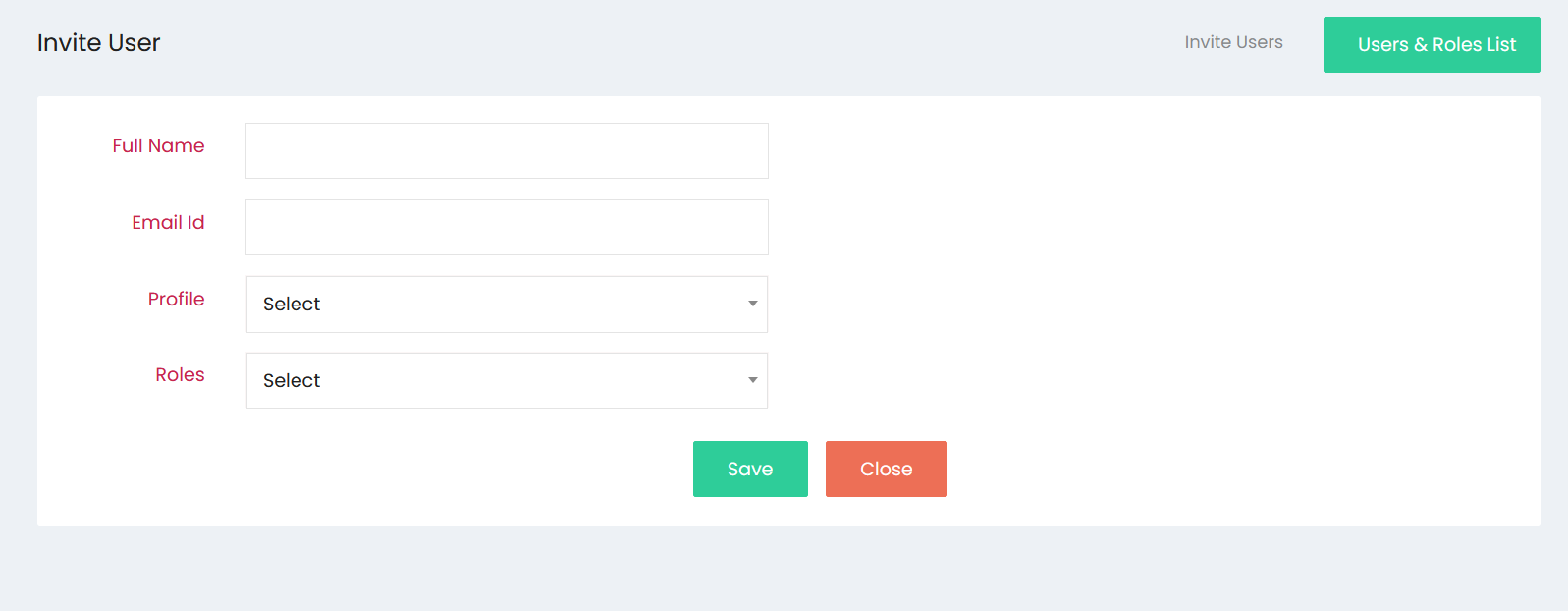
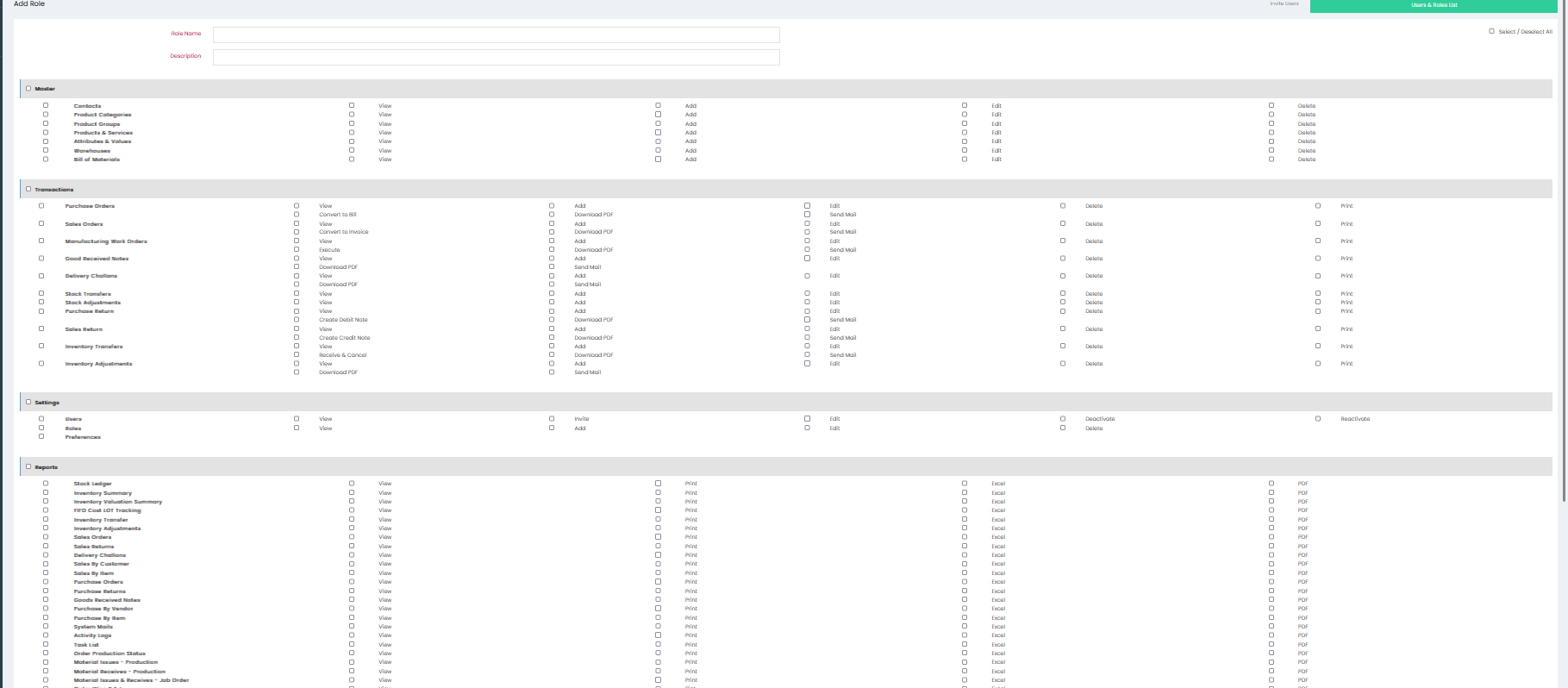
The user management functions available within the User & Roles page are documented separately.
Access Points
| Location | Action |
|---|---|
| Header Toolbar | Click the Settings (??) icon. |
| Settings Menu | Select User & Roles. |