


Overview
The Customer Contacts module is used to maintain customer information within the system. Creating a customer contact allows you to store customer details that can be used across business transactions and reports.
Purpose
Creating customer contacts helps you to:
- Maintain a centralized customer database.
- Store customer contact information.
- Improve accuracy in business transactions.
- Easily search and manage customer records.
- Reuse customer information across the application.
Creating a Customer Contact
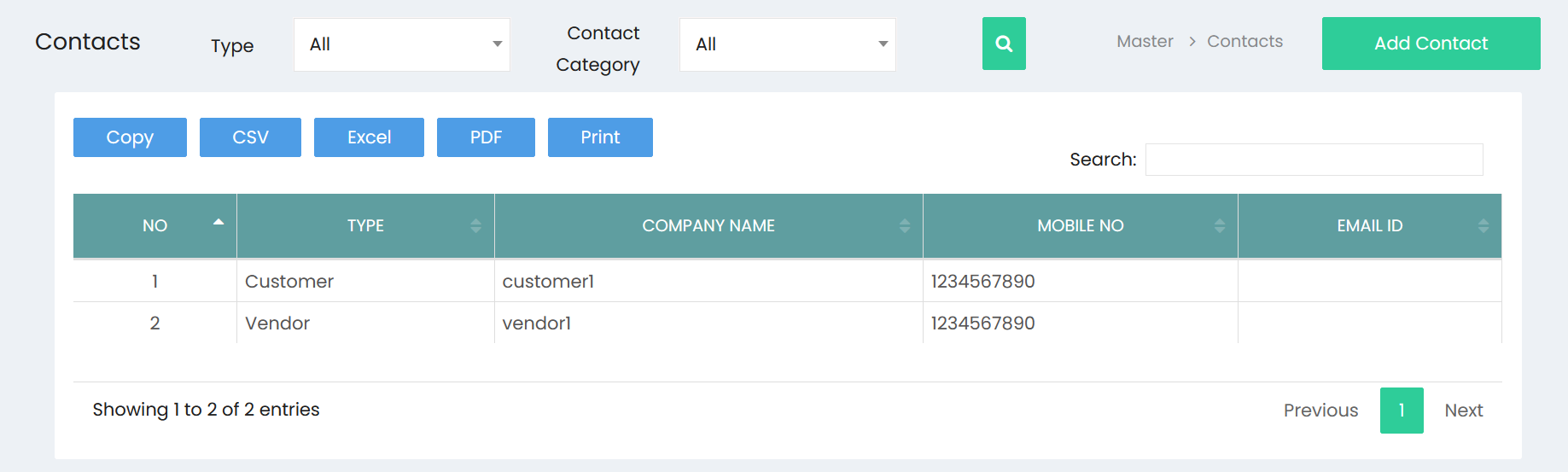
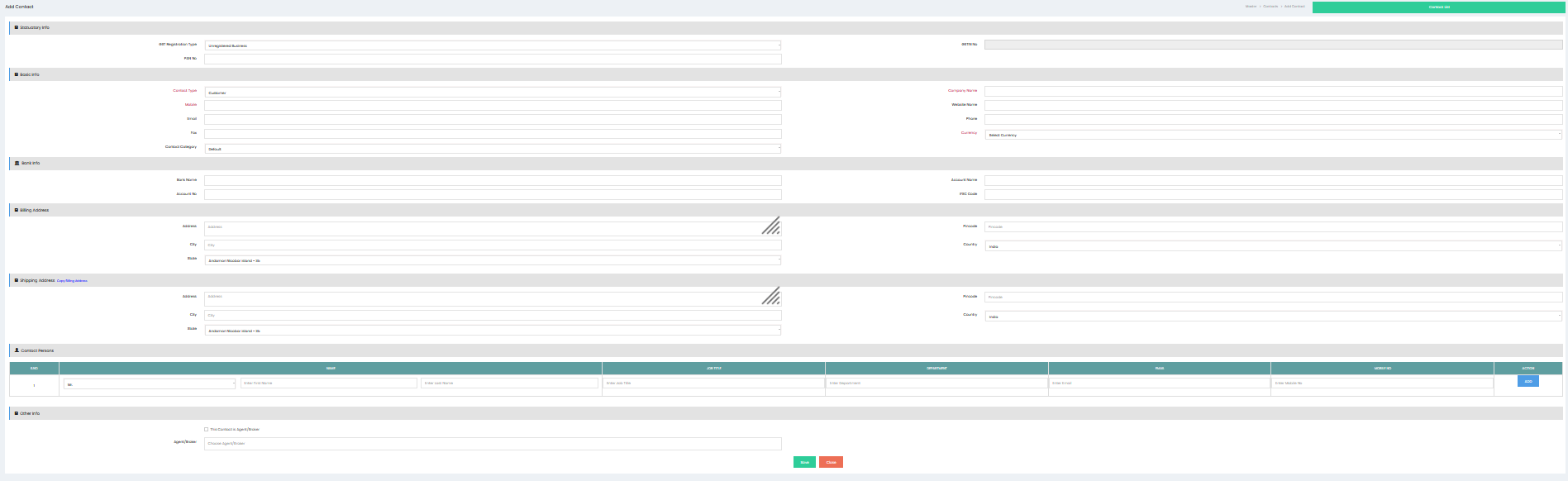
Follow these steps to create a new customer contact:
- Navigate to the Contacts module.
- Select Customers.
- Click the Add or New Customer button.
- Enter the required customer information.
- Complete any additional details, if applicable.
- Review the entered information.
- Click Save to create the customer record.
Required Information
Depending on your organization's configuration, you may be required to provide:
- Customer Name
- Contact Information
- Address
- Email Address
- Phone Number
- Tax or Registration Details (if applicable)
Required fields are typically indicated within the application.
Saving the Record
After clicking Save:
- The customer contact is created.
- The record becomes available in the customer list.
- The customer can be selected in applicable business transactions.
- The system confirms successful creation of the record.
Searching for Customers
Once created, customer contacts can be located by:
- Customer Name
- Contact Information
- Available search or filter options
The customer list can be used to quickly locate and manage existing records.
Editing Customer Information
To update an existing customer:
- Open the customer from the customer list.
- Modify the required information.
- Click Save to update the record.
Changes are reflected wherever the customer information is used, subject to system rules.
Best Practices
- Enter the customer's name accurately to avoid duplicate records.
- Verify contact information before saving.
- Complete all mandatory fields.
- Update customer details whenever information changes.
- Search for an existing customer before creating a new one to prevent duplicate entries.
Outcome
Creating customer contacts ensures that customer information is organized, easily accessible, and available for use throughout the system, supporting efficient business operations and accurate record management.