


Purpose
The Search & Quick Access feature provides a centralized way to locate and access commonly used modules from a single screen. It includes a search field and a categorized list of shortcuts for available modules.
Accessing Search & Quick Access
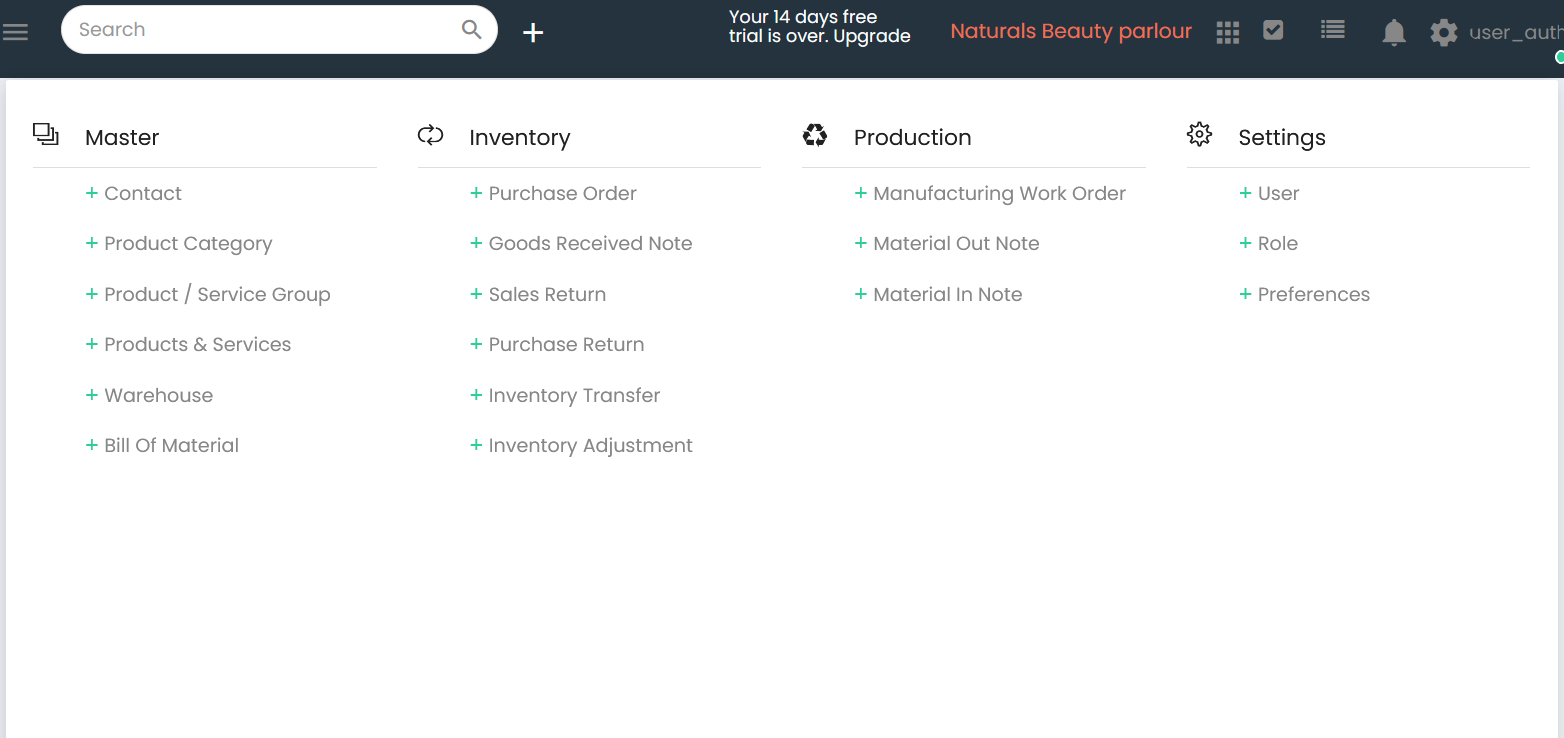
- Click the Search field available at the top of the application.
- The Quick Access page is displayed with categorized module shortcuts.
Search
A search box is available at the top of the page.
Users can enter text in the search field to search for available modules.
Quick Access Categories
The Quick Access page groups shortcuts into the following categories:
- Master
- Inventory
- Production
- Settings
Master
The following shortcuts are available under Master.
| Shortcut |
|---|
| Contact |
| Product Category |
| Product / Service Group |
| Products & Services |
| Warehouse |
| Bill Of Material |
Inventory
The following shortcuts are available under Inventory.
| Shortcut |
|---|
| Purchase Order |
| Goods Received Note |
| Sales Return |
| Purchase Return |
| Inventory Transfer |
| Inventory Adjustment |
Production
The following shortcuts are available under Production.
| Shortcut |
|---|
| Manufacturing Work Order |
| Material Out Note |
| Material In Note |
Settings
The following shortcuts are available under Settings.
| Shortcut |
|---|
| User |
| Role |
| Preferences |
Search & Quick Access Workflow
Step 1
Open the Search & Quick Access page.
Step 2
Use the Search field at the top of the page to search for available modules.
Step 3
Alternatively, browse the available shortcut categories:
- Master
- Inventory
- Production
- Settings
Step 4
Click the required shortcut to open the corresponding module.
Available Quick Access Options
| Category | Available Shortcuts |
|---|---|
| Master | Contact, Product Category, Product / Service Group, Products & Services, Warehouse, Bill Of Material |
| Inventory | Purchase Order, Goods Received Note, Sales Return, Purchase Return, Inventory Transfer, Inventory Adjustment |
| Production | Manufacturing Work Order, Material Out Note, Material In Note |
| Settings | User, Role, Preferences |