


The Task Analytics section provides an overview of task-related information through summary metrics and graphical reports.
Task Summary
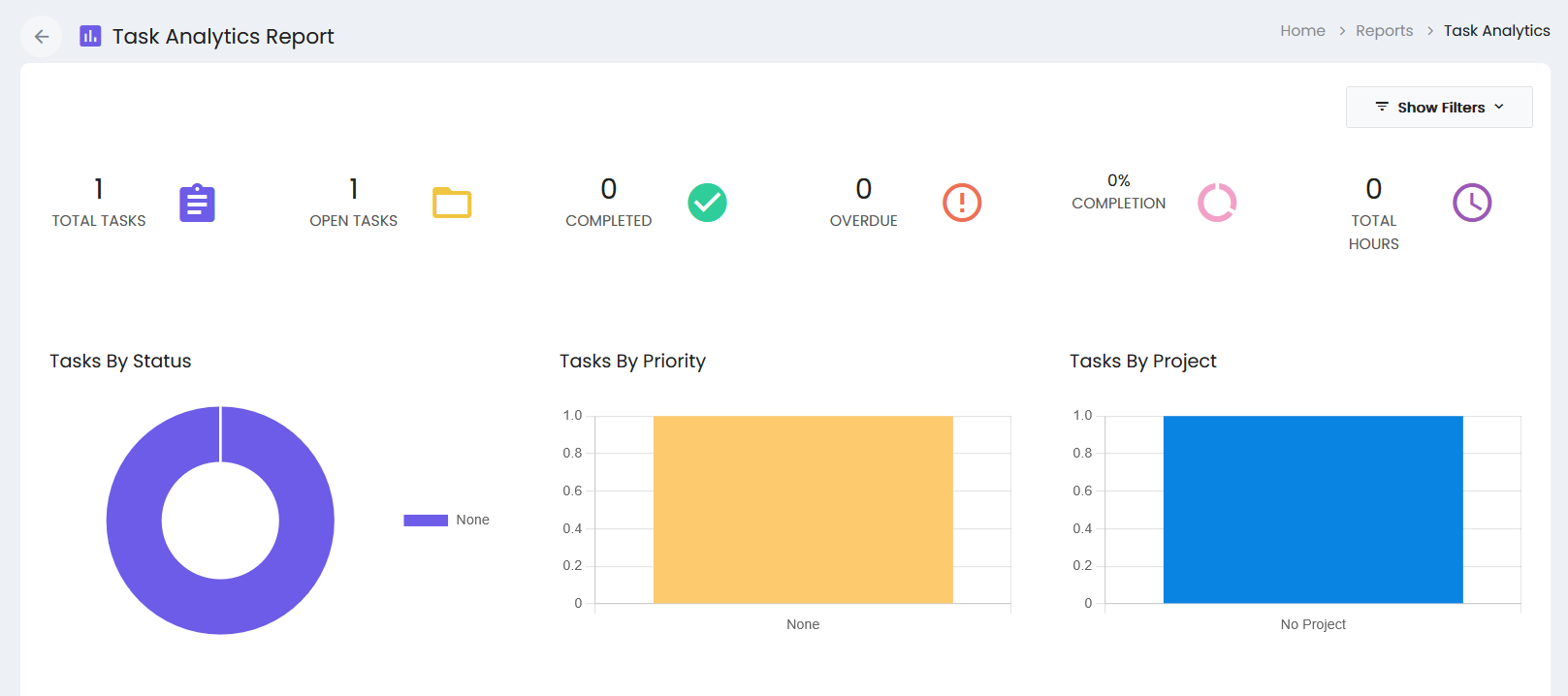
The Task Analytics report displays the following summary information:
- Total Tasks – Displays the total number of tasks.
- Open Tasks – Displays the number of open tasks.
- Completed – Displays the number of completed tasks.
- Overdue – Displays the number of overdue tasks.
- Completion – Displays the task completion percentage.
- Total Hours – Displays the total recorded task hours.
Task Reports
The report provides graphical representations of task information:
Tasks By Status
The Tasks By Status chart displays the distribution of tasks based on their status.
Tasks By Priority
The Tasks By Priority chart displays the distribution of tasks based on their priority.
Tasks By Project
The Tasks By Project chart displays the distribution of tasks based on their associated projects.
Filters
The Show Filters option provides access to the available report filters.