


The Timesheet section is used to view and track time logs for tasks and projects.
Timesheet
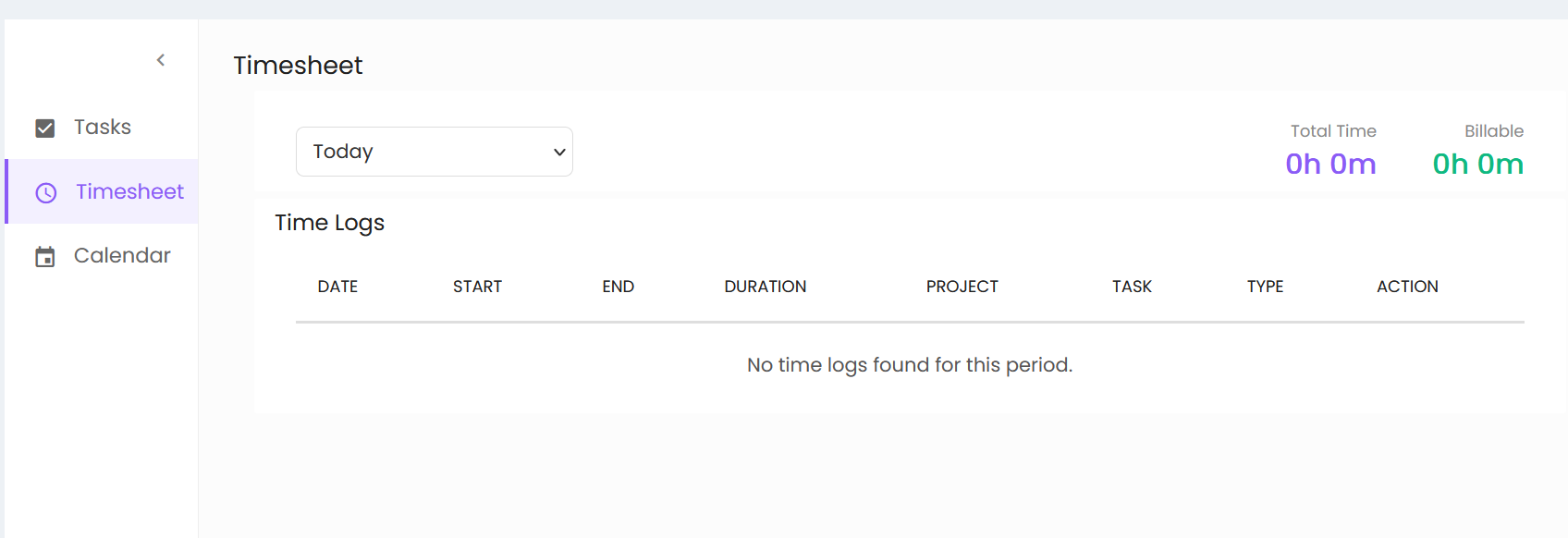
The Timesheet screen provides a period selection option and displays time summary information.
- Period Selection – Allows the user to select the required time period. The displayed period is Today.
- Total Time – Displays the total recorded time for the selected period.
- Billable – Displays the total billable time for the selected period.
Time Logs
The Time Logs section displays recorded time entries with the following details:
- Date – Displays the date of the time log.
- Start – Displays the start time.
- End – Displays the end time.
- Duration – Displays the duration of the time log.
- Project – Displays the associated project.
- Task – Displays the associated task.
- Type – Displays the type of the time entry.
- Action – Provides available actions for the time log.
When no time logs are available for the selected period, the screen displays “No time logs found for this period.”