


The Navigation & Search section provides access to the main modules and navigation options in Skynyx Tasks.
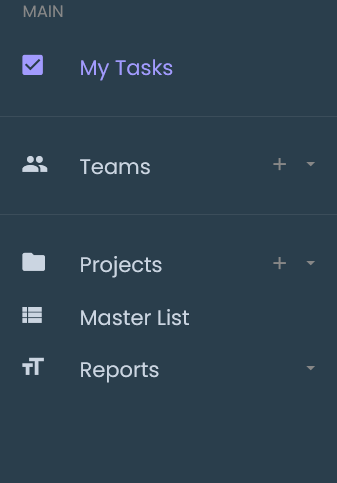
Main Navigation
The navigation menu includes the following options:
- My Tasks – Provides access to the user's tasks.
- Teams – Provides access to team-related activities.
- Projects – Provides access to project-related activities.
- Master List – Provides access to the master list.
- Reports – Provides access to reports.
Navigation Controls
- The + icon next to Teams provides an option related to the Teams section.
- The + icon next to Projects provides an option related to the Projects section.
- The dropdown arrow next to Teams provides additional navigation options.
- The dropdown arrow next to Projects provides additional navigation options.
- The dropdown arrow next to Reports provides additional navigation options.