


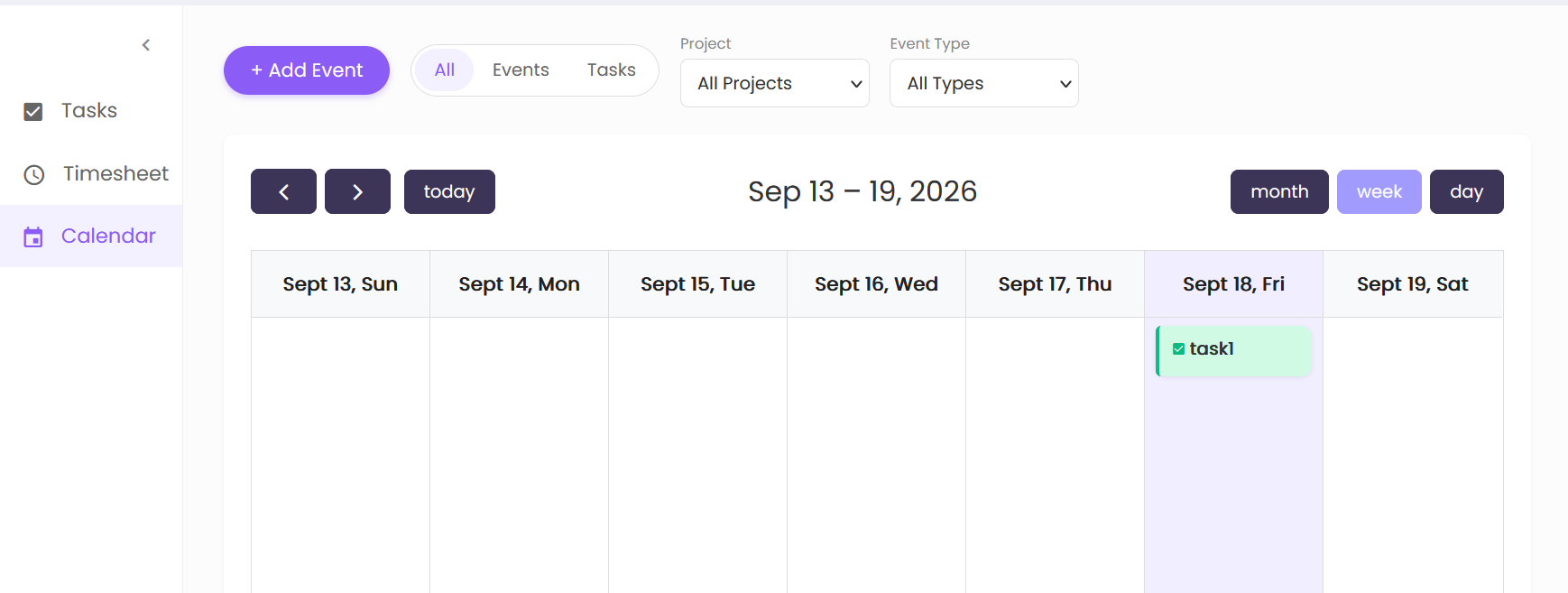
The Calendar section provides a calendar-based view of tasks and events.
Calendar Controls
The Calendar screen includes the following options:
- + Add Event – Provides an option to add a new event.
- All – Displays all available calendar items.
- Events – Displays events.
- Tasks – Displays tasks.
- Project – Allows filtering by project. The available selection shown is All Projects.
- Event Type – Allows filtering by event type. The available selection shown is All Types.
Calendar Navigation
The calendar provides navigation controls to move between calendar periods:
- Previous – Moves to the previous period.
- Next – Moves to the next period.
- Today – Returns the calendar to the current date.
The calendar displays the selected date range at the top. In the displayed view, the range is Sep 13 – 19, 2026.
Calendar Views
The calendar provides three viewing options:
- Month – Displays the calendar in month view.
- Week – Displays the calendar in week view.
- Day – Displays the calendar in day view.
The Week view is selected in the displayed screen.
Calendar Entries
Calendar entries are displayed within their respective dates. Tasks are shown with a task icon and task name.